
Healthomatix · Clinic SaaS
One Intelligent Platform for Modern Healthcare
Healthomatix connects clinics, doctors, and patients through smarter scheduling, secure medical records, online consultations, and AI-assisted clinical workflows.
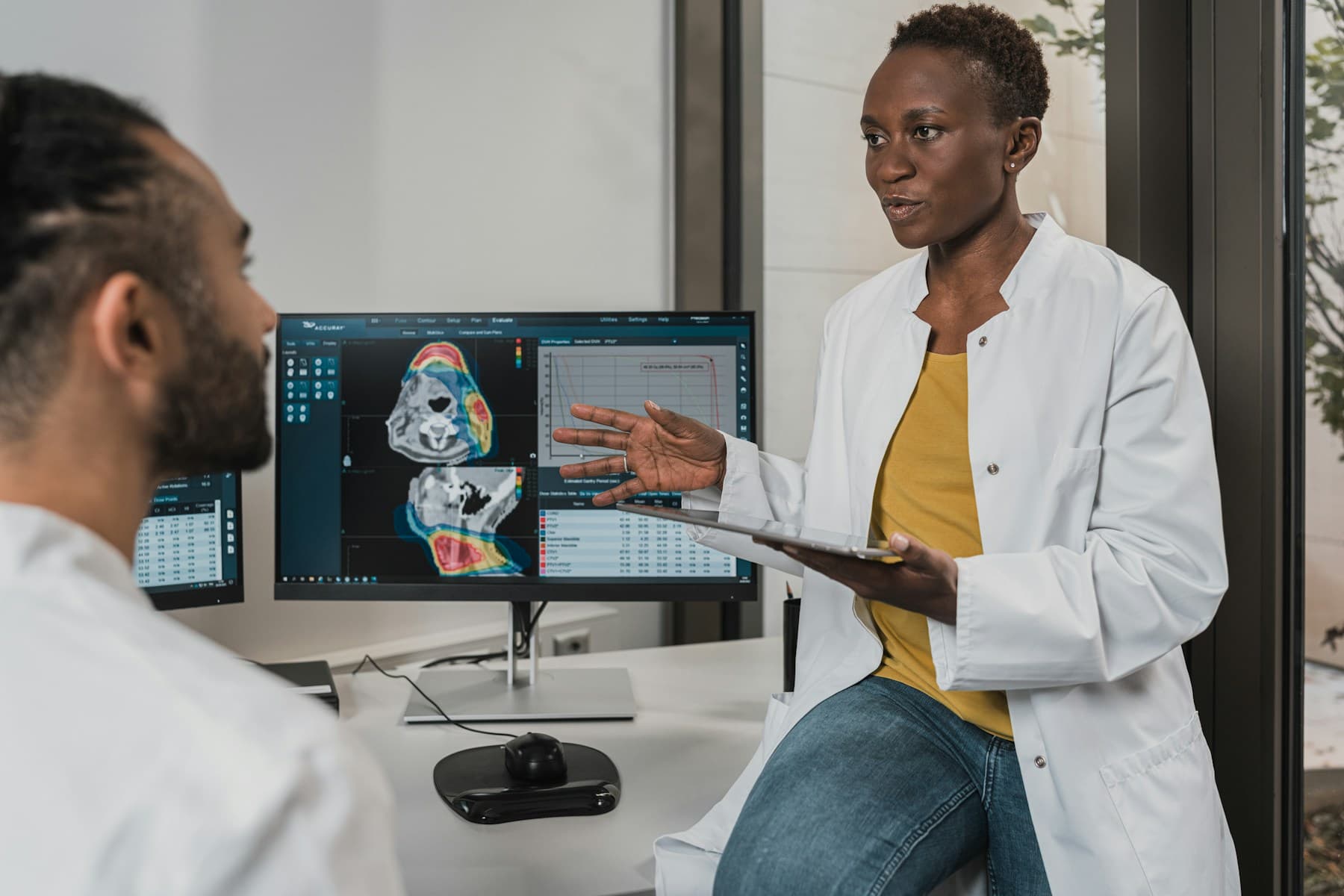

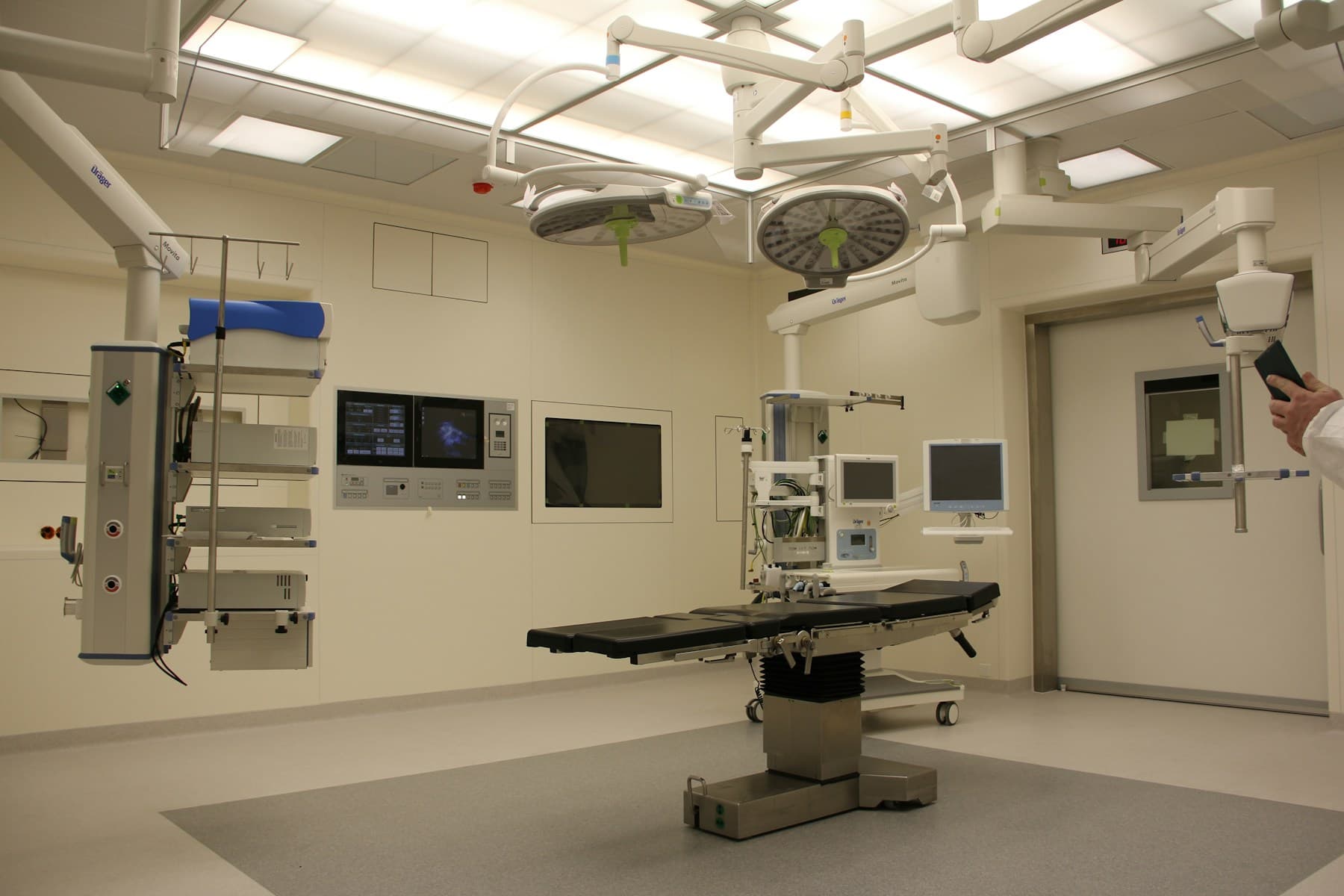

Live-shaped preview
Clinic InformationNorthside Family Carelocation · timezone AppointmentsThu 10:30 · Dr. Patelstatus: scheduled Patient Consentvisit summary sharedpolicy v2.1 · granted
Platform
One platform for clinics, clinicians, and patients
Replace fragmented scheduling, charting, and messaging tools with a multi-tenant workspace where AI assists inside clinical workflows—and clinicians stay accountable.
Spin up a clinic workspace with onboarding, team invites, credential review, and readiness checks—shaped around how care teams actually operate.
Invite staff, verify provider credentials, and see what is ready to schedule. Patient charts stay unavailable until secure sign-in and consent are in place.
- Clinic information & locations
- Team invitations
- Provider credential review
Features
Clinical workflows with AI where it earns its place
Scheduling, credentials, consent, document intelligence, telehealth visits, and approved documentation—connected end to end for modern care teams.
01 / 05
Manage your clinic with one readiness-aware workspace
Organize clinic information, care team seats, locations, and provider credentials in one place. Onboarding, invitations, and scheduling gates stay explicit—so teams know what is ready and what still needs secure access.
Clinic InformationCare TeamLocationsProvider CredentialsInvitations
- Scheduling gates
- Team workflows
- Credential review
- Readiness views
Product
Realistic screens for every role
Walk the clinic workspace, patient portal, and consultation path with synthetic data. No live PHI—just the workflows buyers need to evaluate.
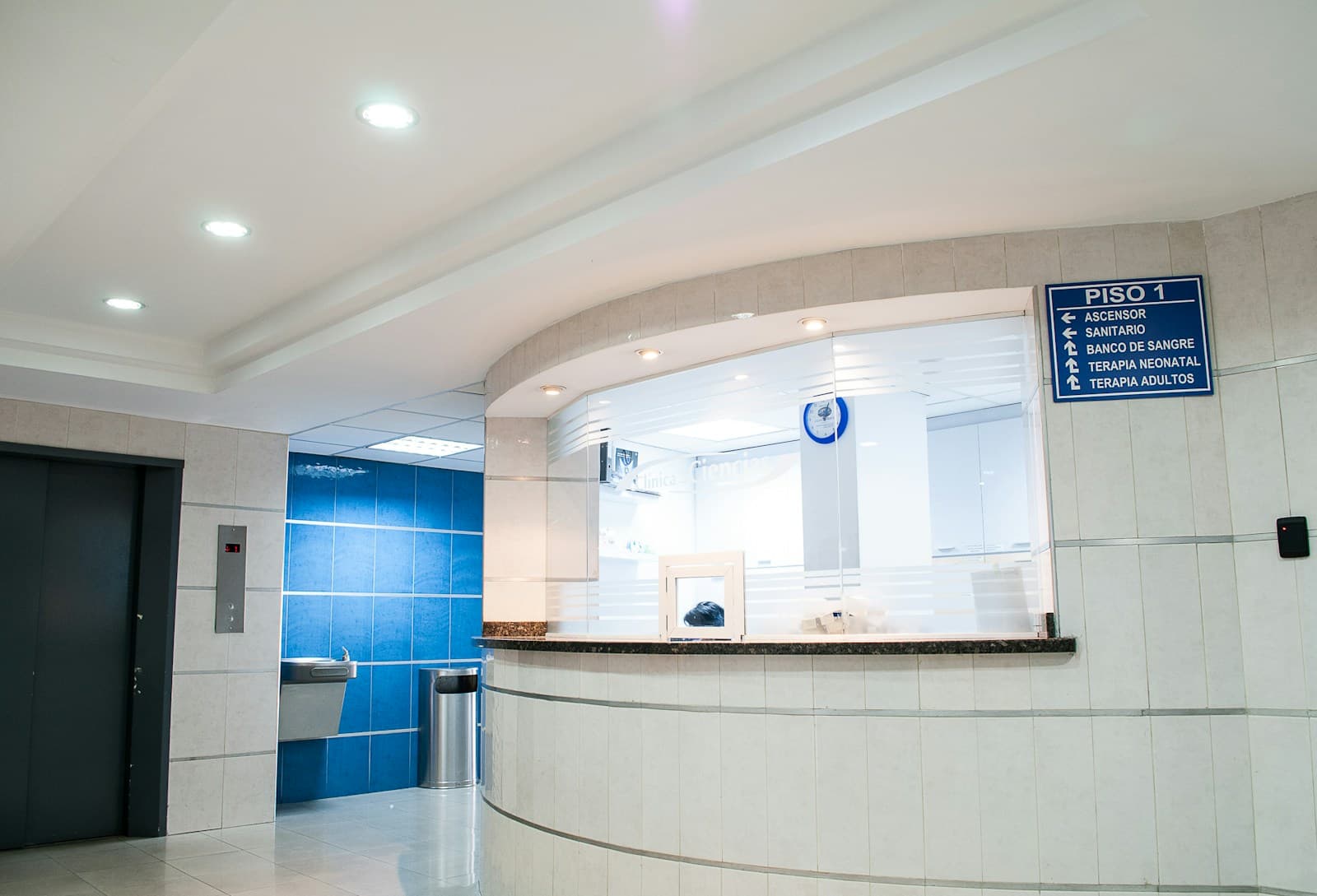
Clinic & clinician workspace
Invite your team, verify credentials, review today’s visits, approve AI drafts, and keep every clinic’s records isolated.
Explore clinic demo
Patient portal
Book care, upload lab reports, follow a Health Timeline, and control consent scopes that trim what the clinic can see.
Explore patient demo
Consultations & AI documentation
Move from booking into a visit workspace with source-linked summaries and clinician-approved notes—AI assists, clinicians decide.
Open consultation workspace


New module · Health document intelligence
Your health information. Finally connected.
MediGuide turns lab reports, imaging reports and medication labels into verified, cited information patients can follow over time, with every value linked back to its source page.
- Document Intelligence
- Lab Trends
- Imaging Reports
- Medication Information
- Ask MediGuide
- Visit Preparation
For developers
API schemas behind the product
Everyday product language above—API contract names here. Switch JSON or TypeScript, then toggle consent scopes on consent-sensitive schemas to watch the sample payload change live.
Select a schema, switch JSON / TypeScript, and toggle consent scopes to watch the sample payload change live.
Interactive payload · synthetic demo
Clinic Information · ClinicRead
Tenant, location, timezone, and role for an authenticated clinic session.
{
  "tenant_id": "tn_8f2a…c41",
  "display_name": "Northside Family Care",
  "slug": "northside-family",
  "location_name": "Main Street Clinic",
  "timezone": "America/Toronto",
  "role": "clinic_admin"
}
Related objects
MemberReadLocationRead
Preview foundations
Stories
What early walkthroughs are teaching us
“We needed a clinic workspace that showed readiness clearly—what the team can do now, and what still waits on secure access.”
“Patients should feel informed without the portal pretending it has their full chart. Masked fields and consent scopes made that tangible.”
Network
Made for everyone in the care journey
Start with patient and clinic membership paths. Laboratory and pharmacy connections are mapped for the future—visible on the graph, not available as live previews.
Principles
Why this approach to connected care
User-centered product decisions grounded in API reality—keeping clinics productive and patients confident without overselling what the preview can do.
Built for clinic operations
Appointments, credentials, chart access, and consult documentation share one tenant-aware workflow—not disconnected tools.
AI inside the workflow
Document extraction, trends, and draft notes appear where clinicians already work, with mandatory human review before anything is signed.
Privacy you can demonstrate
Consent scopes, audit events, and masked previews make authorization visible—without claiming HIPAA certification.
Role-specific portals
Clinic administrators, providers, and patients each get navigation and dashboards matched to their job—not one generic screen.
Request a demo
See the connected care path in minutes
Sign in with a demo account, seed the sandbox clinic, then walk upload → AI extract → verify → Health Timeline → consult drafts. Synthetic data only—never enter real patient information.
FAQ
Frequently asked questions
Clear answers about objects, previews, and what is—and is not—live.
 Still curious? Explore the clinic or patient demo with synthetic data.
01Is Healthomatix a live clinical system today?
This deployment is a synthetic demonstration and development preview. Demo accounts use masked or sample data. Do not enter real patient information, and do not treat the product as HIPAA-certified.
02Who is Healthomatix for?
Clinics, clinicians, and patients who need connected scheduling, records, consultations, documentation, and AI-assisted workflows in one multi-tenant platform.
03How do I request a demo?
Open the clinic workspace, sign in with a demo account (or your configured identity provider), and use Seed sandbox to provision a shared clinic linking admin, provider, and patient personas.
04What AI capabilities are available in the demo?
Document upload with Fake OCR extraction, clinician verification into Observations, Health Timeline and trends, plus clinician-approved visit summaries, notes, and follow-up tasks.
05Are laboratories and pharmacies connected?
They appear on the care network map as planned edges with target standards (HL7/FHIR, NCPDP). Patient and clinic membership paths are available in the demo today.